The Minecraft split self mod is a unique and interactive mod where the player has a split personality that disrupts the gameplay inside and beyond the game. It features nifty commands that can trigger real-life interactions on your PC, adding to the horror immersion of the pack.
Here’s everything you need to know about the Minecraft split self mod.
How to install the Minecraft split self mod
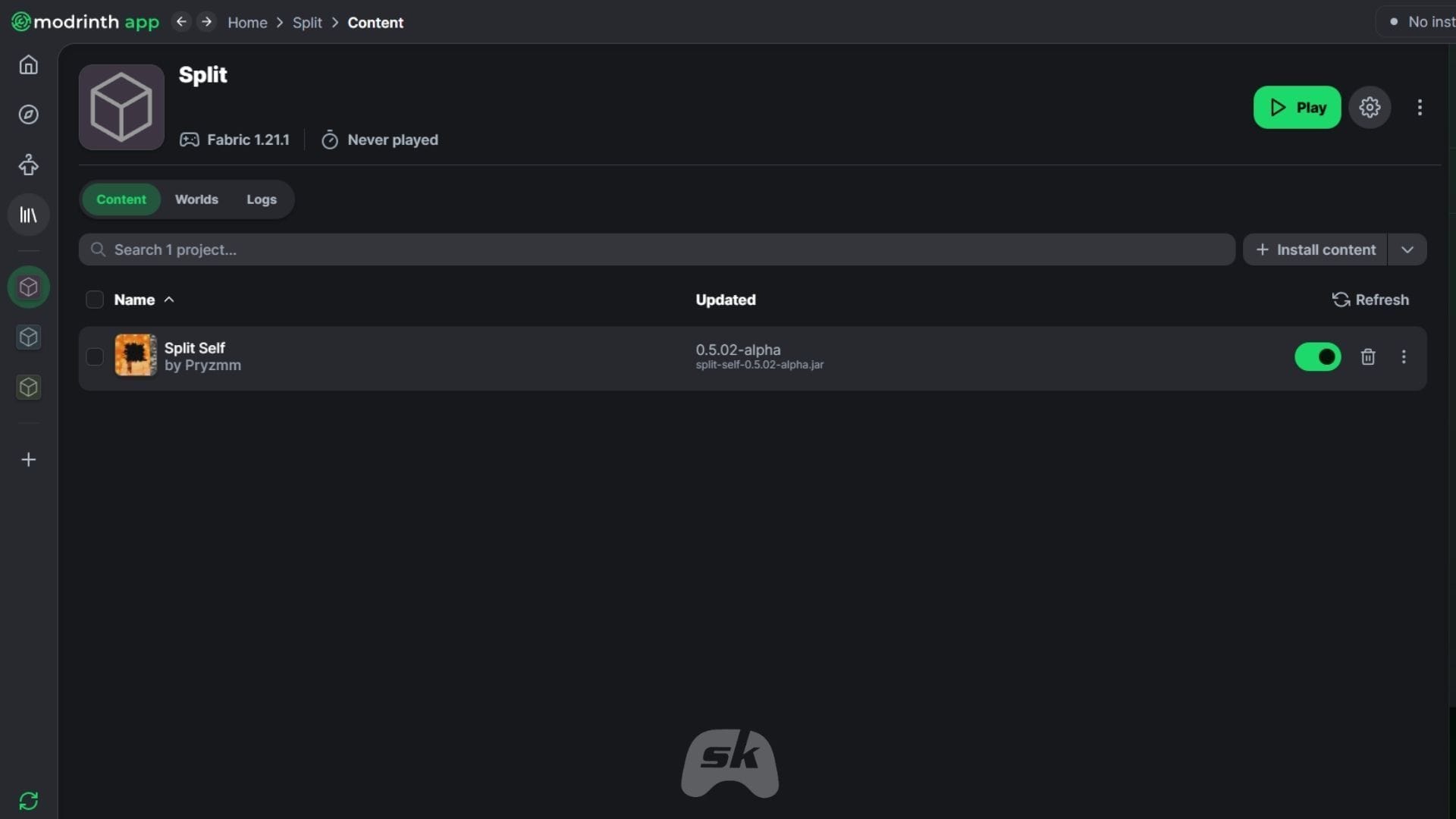
The Minecraft split self mod can be installed using any mod loader that supports Fabric. For this guide, we have used Modrinth and its built-in mod loader with Fabric running on game version 1.21.1.
Here’s how you can download and install the split self Minecraft mod:
- Head over to Modrinth and download the official launcher.
- Once downloaded and logged in with your Mojang credentials, search for the Immersive Vehicles mod by Pryzmm. Alternatively, you can click this link to access the official Modrinth listing.
- If you wish to install the split self mod manually, click on the green Download button and select the game version and platform.
- Once done, download and place the ZIP file in the mods folder of Minecraft. However, if you do not have Fabric installed or are new to installing mods and packs in Minecraft, it is recommended to use the Modrinth loader.
- For installation using the launcher, click the green Download button. This will open up a deep link to the downloaded Modrinth app.
- Once the application loads, you will be prompted to create a new instance or choose an existing Minecraft instance. While you can choose an existing instance, it is recommended to install the split self mod on a fresh instance. This prevents conflicts with existing mods, shaders, or data packs and eliminates the risk of world corruption.
- Now, create a new instance and name it. Once you have created the instance, you will be redirected to the page. Wait for the mod and all its assets to get installed.
- Next, click the green play button to launch the instance with the split self mod installed.
Features of the Minecraft split self mod
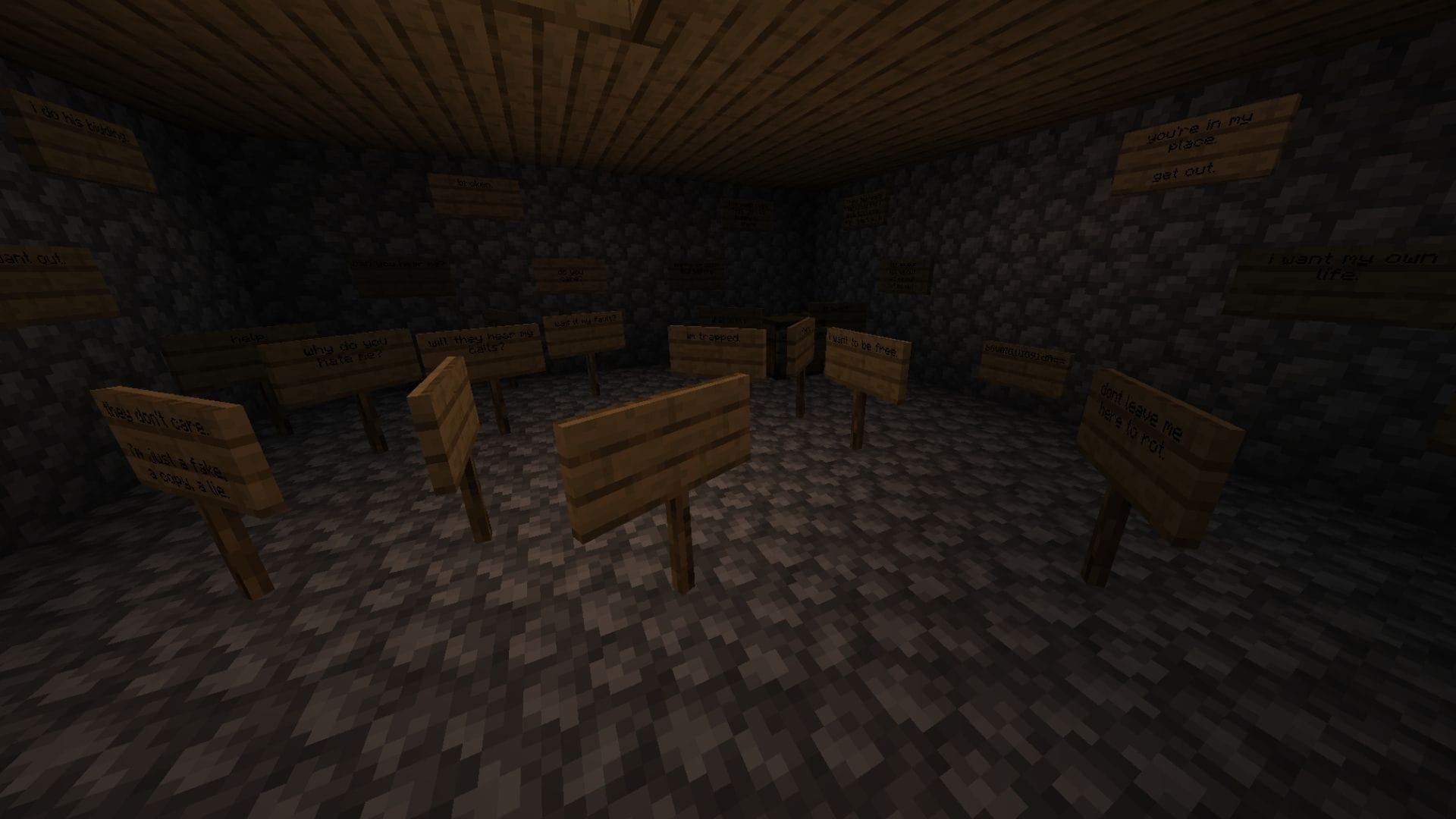
The Minecraft split self mod is a unique horror pack that introduces an alternate version of the player character. The split self interacts with the world and other entities, altering items or disrupting your builds. Apart from wreaking havoc, it will try to kill you and even talk to you.
However, the mod takes the horror immersion a step further. It has scripts that interact with the device out of the game. During gameplay, the mod will create random notepad files filled with messages or alter your wallpaper, essentially breaking the fourth wall. It has a list of things that are executed throughout the playthrough, keeping the experience unpredictable.
However, players can choose to disable certain activities or events in the game to prevent their personal information from being accessed. While the mod adds a layer of immersion through external activities, certain antivirus software may flag it. Players are recommended to exercise caution before deploying the Minecraft split self mod.
Also read: How to download Minecraft 1.21.11 Iris Shaders
Check out our other Minecraft articles:
Edited by Sayendra Basu