
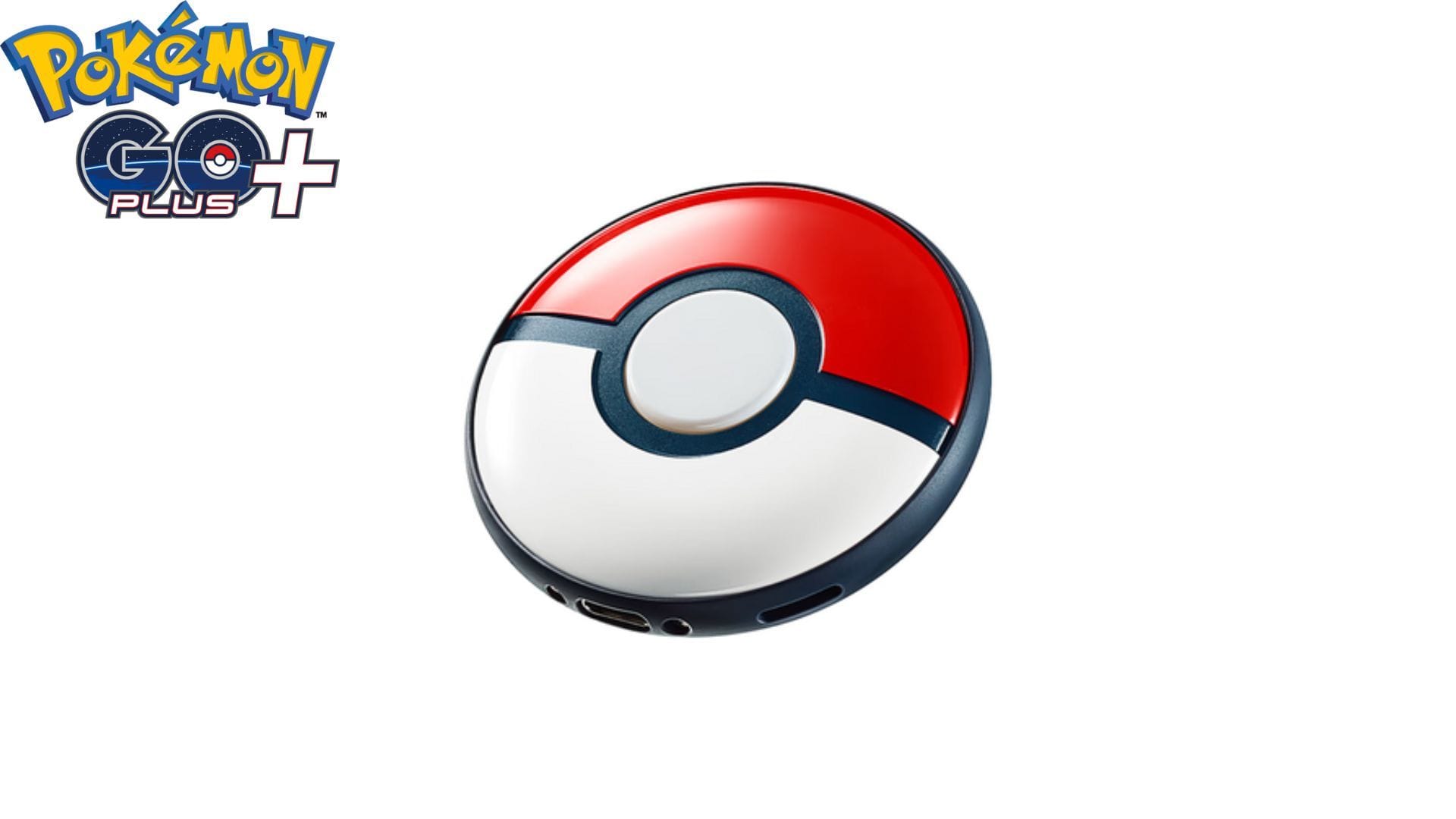
A new in-game gadget called the Explorer Gadget has made its way into Pokemon GO. This device functions like the peripheral device the Pokemon GO Plus and its successor the Pokemon GO Plus +. It would catch Pokemon and spin PokeStops (to a point) even if you were not actively playing the game. The idea was to lower the need to constantly look at one’s phone while playing the game.
However, the Explorer Gadget seems to be an in-game feature that will not cost the player as opposed to the physical devices. The current version of which costs $54.99 and requires bluetooth support. So, let us see how the Explorer Gadget works.
Pokemon GO: How to get the Explorer Gadget
As of writing, the Explorer Gadget has yet to make its way across all devices. It appears to be slowly being rolled out via beta testing. However, u/LowAdhesiveness4708 on Reddit did make a post about it showing off the feature.
The user noted that the number of Pokemon catchable as well as spinnable PokeStops seem to vary from player to player. While they could only get 35 of each, their friend could get 80 instead. They theorized this was because their friend bought a monthly deluxe pass, implying players who pay would get more benefits.
Also read: Is your Pokemon GO data being used for military purposes? Recent report suggests so
Interestingly, there has yet to be an official statement from the developer of the game. This implies that the feature may be tweaked further and may even work differently when available to everyone.
How to use the Explorer Gadget in Pokemon GO
As per the players with the feature have reported, all you have to do is activate the Explorer Gadget and not do anything else. However, it only use Poke Balls, not Great or Ultra Balls. So, you may have to manually spin a few extra PokeStops so that you can keep using this feature. Additionally, it can be activated only once per day and can be turned off while you are actively playing.
Also read: How Unity Raids work in Pokemon GO?
Check out our other Pokemon GO related guides here:
Edited by Akash Sil